Creating quotes
Quotes are created and edited in the Quote Editor.
You can create quotes in the following ways:
- Use AI-powered quote generation, where Hotel Quote will automatically identify the booking details.
- Manually enter booking details through the form.
AI-powered quote generation
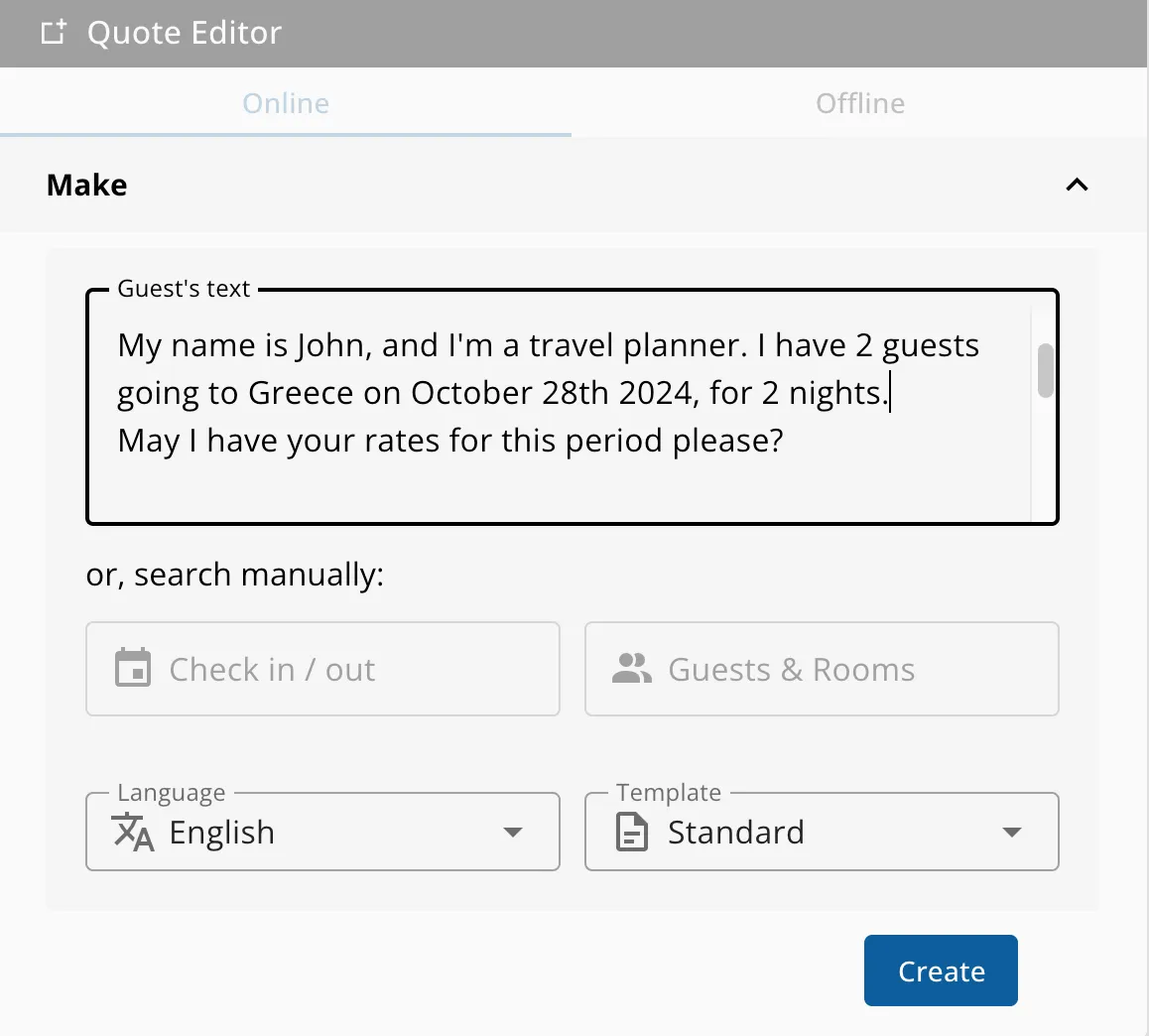
Hotel Quote’s AI feature can automatically identify the booking details by entering the request’s text into the relevant text box.
How it works:
- Once pasted, click Create, and within a few seconds, Hotel Quote will have generated a quote based on that text.
- The guest’s language will be automatically detected, and if supported by your account, the quote will be generated in the guest’s language.
Manually entering booking details
You can manually enter the booking details through the form.
- Add dates, which can be either a range or set the check-in date and number of nights.
- Group size (adults, children, infants)
- Select the quote language.
- Template will be set to your account’s default template.
Calendar: 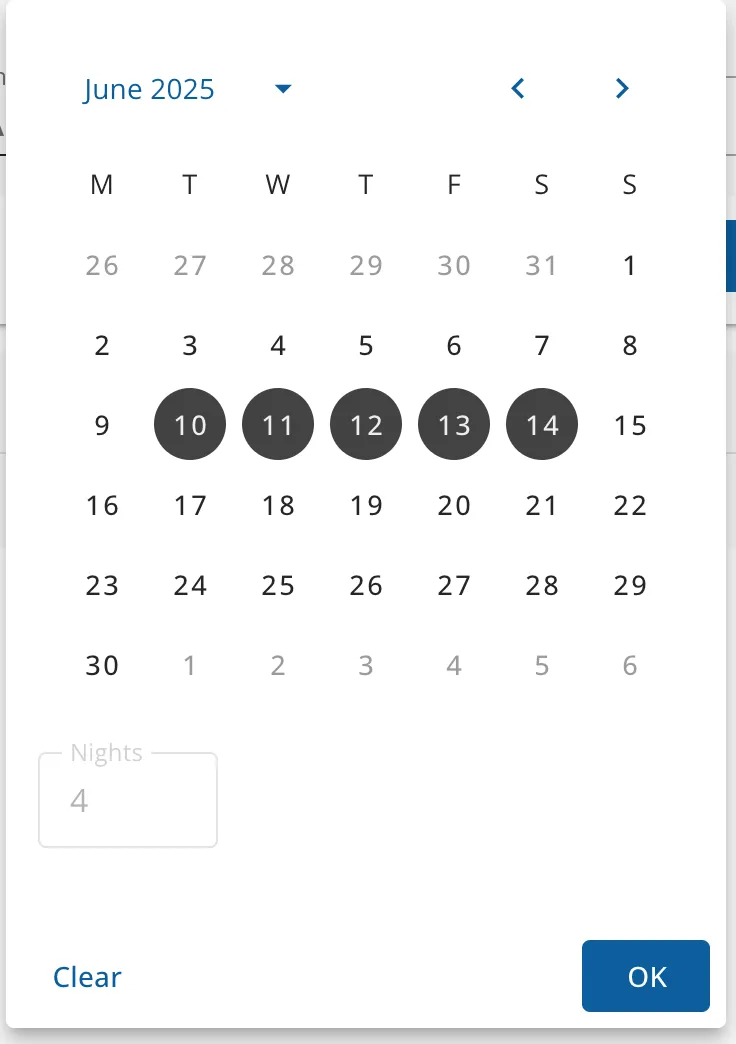 | Group size: 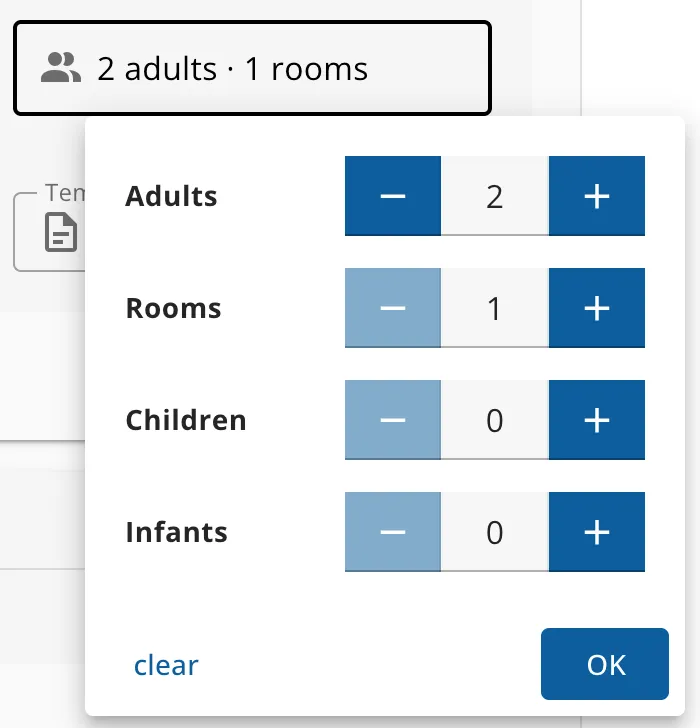 | Quote language: 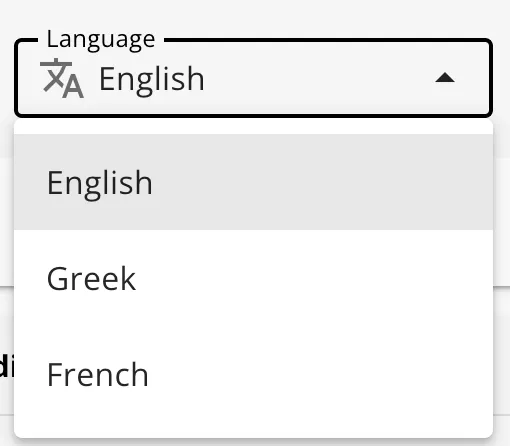 |